
Microsoft Copilot Studio offers a solution by letting businesses build their own AI Copilots using a low-code AI development platform. This platform allows organisations to create custom AI Copilots for business applications, integrate with the AI Copilot Power Platform, and automate processes through AI automation Power Platform capabilities.
Microsoft Copilot Studio is a unified, SaaS-based agent platform seamlessly integrated into the Microsoft Power Platform. Businesses can create and deploy AI Copilots with this tool without complex coding. It also has a no-code/low-code approach to building intelligent assistants that integrate smoothly with your existing systems and workflows.
Here are the key components of MS Copilot Studio:
With an intuitive drag-and-drop interface, the Copilot Studio graphical builder allows you to design custom AI Copilots that can handle complex tasks without extensive coding. This tool simplifies the entire process for tasks like creating customer-facing AI assistants or workflow automation, etc.
The dialogue manager in Copilot Studio helps businesses organise conversation flows and handle user interactions efficiently. The manager allows full control over how your AI Copilot manages conversations and delivers answers, including a simple Q&A system as well as a multi-layered customer support assistant.
Copilot Studio provides access to more than 1,200 connectors, including popular platforms like SharePoint, Dataverse, public websites, and various Line-of-Business (LOB) systems. These connectors let your AI Copilot tap into existing data sources to provide data-driven interactions.
Copilot Studio offers comprehensive analytics and monitoring tools. With real-time performance tracking, automated tuning, and easy publishing, you can constantly improve your AI Copilot’s efficiency and deploy it across multiple channels with ease.
Building your own AI Copilot gives you the ability to create something that truly fits your business. With Microsoft Copilot Studio, you can take control of your AI and make sure it works the way you want it to.
Let’s find out why you should build your own AI Copilot.
With Microsoft Copilot Studio, you don’t have to settle for a one-size-fits-all AI assistant. Instead, you can build your own AI copilot that is created exactly for what your business needs. Whether it is automating internal processes, improving customer interactions, or creating solutions for specific workflows, Copilot Studio offers the flexibility to design an AI that fits your unique requirements.
Copilot Studio is able to expand across different platforms. This means that your AI Copilot can integrate with Teams, websites, mobile apps, and even social media platforms like Telegram and Facebook. Because of this, no matter where your customers or team members are, your AI assistant can provide seamless interactions.
Don’t worry about having a development team to get started with Microsoft Copilot Studio. It is designed to be low-code, which means that both technical and non-technical users can create powerful AI solutions.
This evolution from earlier tools like Power Virtual Agents lets you build and deploy your own AI copilots without complex coding. The low-code environment simplifies the process so that businesses take full advantage of AI capabilities without needing a full team of developers.
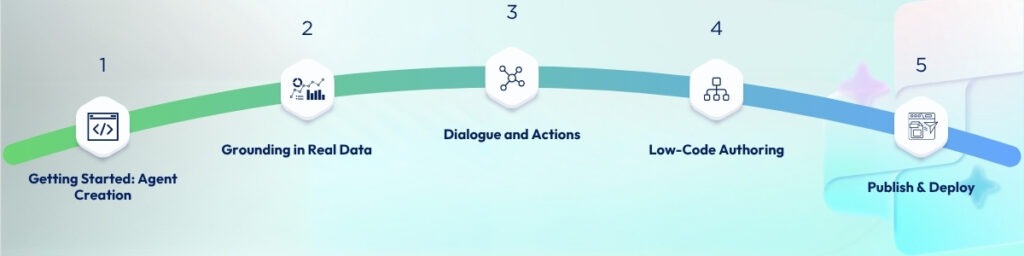
Building an AI copilot with Microsoft Copilot Studio is a smooth, easy-to-follow process. It is designed to make AI accessible for businesses of any size.
Here is how it works:
Begin by signing in to Copilot Studio and creating a new Copilot project. You can choose to start from one of the pre-built templates (perfect for quick deployments) or start from scratch to have full control over your AI Copilot’s design and functionality.
For instance, if you are looking for a friendly tutor, you can create a “Friendly Tutor” knowledge chatbot that responds to user queries and provides educational resources based on the information it has been trained on. That is how easy it is to create an interactive, useful agent without any hassle.
Once your AI copilot is created, the next step is to connect it to live data. This could involve pulling data from SharePoint, Dataverse, internal systems, or even external websites and files.
For example, your AI copilot could pull customer data from Dataverse and let it deliver personalised responses during customer service interactions. It could also trigger backend workflows based on real-time data inputs.
The Dialogue Manager is one of the most powerful features in Copilot Studio. With this tool, you can define the flow of interactions and ensure the conversation feels natural and according to your business needs.
Additionally, your AI copilot can perform tasks like calling APIs and automating actions via Power Automate. This makes your AI assistant even more functional. It can actually take action, like sending emails, updating records, or even triggering alerts based on specific conditions.
Copilot Studio simplifies the agent-building process with two key modes in the agent builder:
What is also great is the ability to update your agent in real-time based on conversations. As your AI copilot interacts with users, it can continuously adapt and refine its approach.
Once your AI copilot is fully developed, you can publish it across a variety of channels, including Microsoft 365, Teams, websites, mobile platforms, and even social media platforms like Facebook or Telegram.
This means that your AI copilot can be deployed wherever it is most needed, whether it is interacting with customers, supporting internal teams, or automating processes across your business.
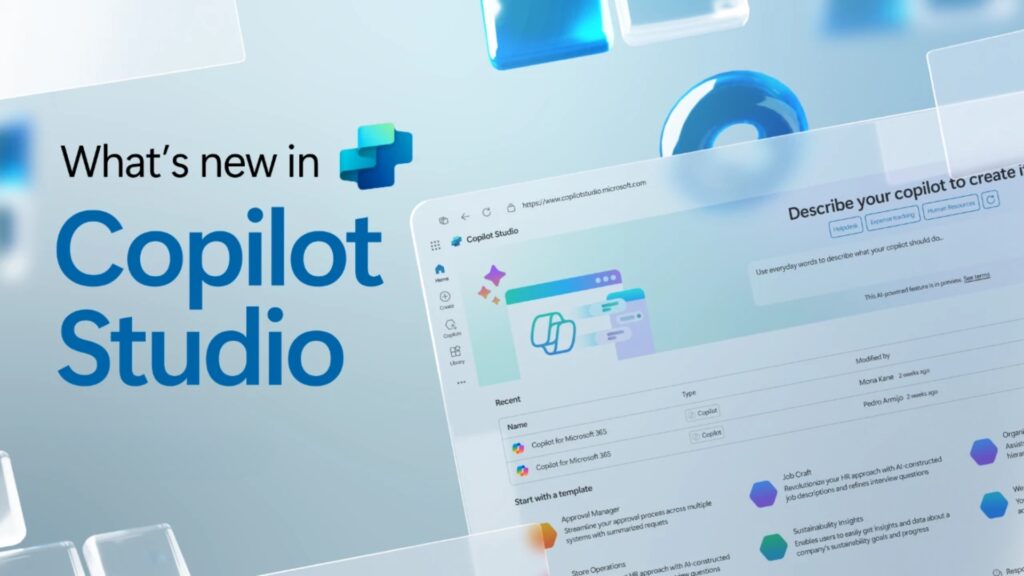
The 2025 Release Wave 2 of Microsoft Copilot Studio is planned for October, bringing a powerful set of new capabilities designed to enhance and scale your AI copilots. This upcoming release will introduce advanced features aimed at improving efficiency, boosting personalisation, and driving smarter business outcomes.
The 2025 Release Wave 2 updates include enhanced capabilities for creating smarter agents and deeper integration with Microsoft 365 Copilot. These updates make it easier than ever to build AI copilots that can seamlessly interact with your favourite Microsoft apps, such as Word, Excel, and Teams. With the new fine-tuning tools, you will be able to customise your AI copilot further and adapt it for more advanced tasks.
In Wave 2, Microsoft introduces role-based copilots designed specifically for areas like sales, service, and finance. These role-specific agents, such as finance agents created directly in Excel, will connect with financial systems to provide real-time insights.
To make managing your AI copilots even easier, Wave 2 introduces a unified governance hub. This centralised hub allows businesses to oversee all agents, apps, and automations from one place.
At Mazik Global, we understand that deploying AI copilots at scale can be complex. That is why we offer end-to-end support to help you build and scale AI copilots with a structured approach.
Here is what we offer:
We guide you through the entire journey, from strategy to deployment. Our AI strategy service helps define clear goals, identify high-value use cases, and build detailed roadmaps that align with your business objectives.
We also offer customised consultancy services to support your “Build Your Own Copilot” projects. From initial ideation to the creation and optimisation of custom AI copilots, Mazik Global ensures that your solutions leverage organisational data and industry-specific insights.
With this, we are able to deliver an AI assistant that perfectly fits your business needs for internal tools, customer support, or specialised workflows.
As a top Microsoft Power Apps partner, Mazik Global empowers both business users and professional developers to rapidly build AI copilots using Copilot Studio’s low-code/no-code model. Our team supports you in deploying AI copilots so that you can go from concept to live solution in record time.
We also offer managed implementation packages to accelerate your deployment, including workshops like the “Microsoft 365 Copilot Workshop” and Data & AI Pilot programs. With Mazik Global, businesses can get their AI copilots up and running without lengthy development cycles and a faster return on investment.
Security, compliance, and governance are at the centre of our services. We offer Managed AI Services that provide fixed-cost ongoing support for Microsoft AI and Copilot solutions. This support covers platform optimisation, proactive monitoring, and continuous governance so that your AI copilot operates securely and efficiently.
Mazik Global also takes a risk-first approach. We address AI data hygiene and compliance with tools like Purview for safe Copilot data inclusion. We establish AI governance committees to manage data flow, security, and compliance.
From the first design to ongoing improvements, Mazik Global offers Customer Success and Managed AI Teams for continuous support.
Additionally, our real-time platform oversight monitors your AI copilot constantly for performance and security. If anything goes wrong, it gives alerts for unsanctioned usage or security events.
We understand that every industry has its own unique requirements. That is why Mazik Global specialises in creating industry-specific copilots.
For instance, our MazikCare Copilot is designed for the healthcare sector. It helps reduce administrative tasks by over 40% by integrating with Teams/Outlook for appointment scheduling, message handling, and clinical documentation.
In addition to healthcare, we also support Copilot deployments in other industries like Sales, Finance, Security, GitHub, and Dynamics.
Building your own AI copilot has never been easier. With MS Copilot Studio, you can create smart AI solutions that work for your business. Its low-code design and flexibility make it accessible for all kinds of businesses. Plus, with the 2025 Release Wave 2, there are even more exciting features on the way.
At Mazik Global, we guide you every step of the way. With our expertise in AI solution design, low-code deployment, and industry-specific customisations, we will help you build the perfect AI assistant for your needs.
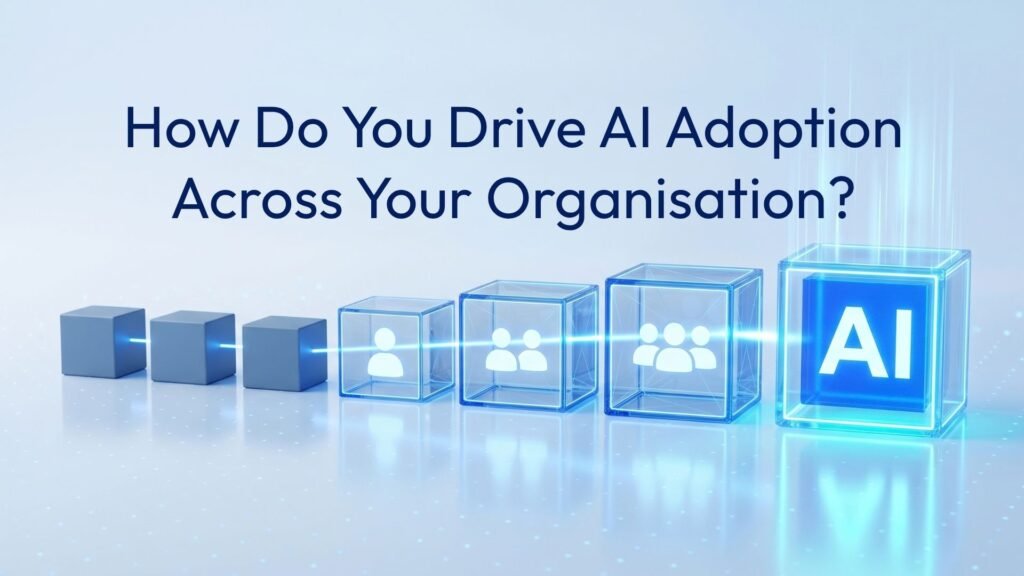
How Do You Drive AI Adoption Across Your Organisation? Quick answer: AI adoption is the point where people use AI…
Quick answer: AI governance is the set of controls over data, access, compliance and monitoring that lets an organisation use…
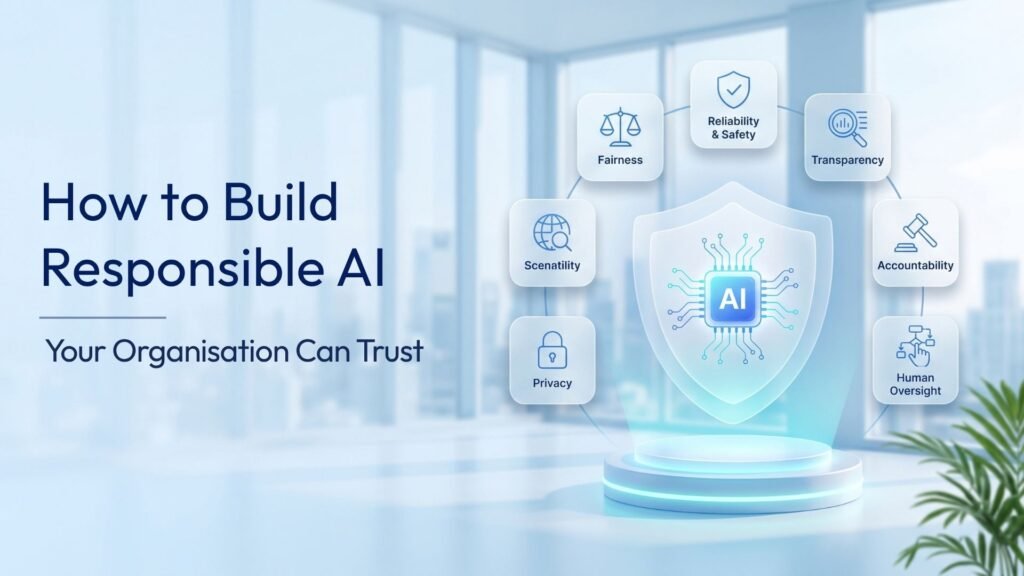
Most organisations no longer ask whether AI belongs in their business. They ask how to build responsible AI that leadership,…